
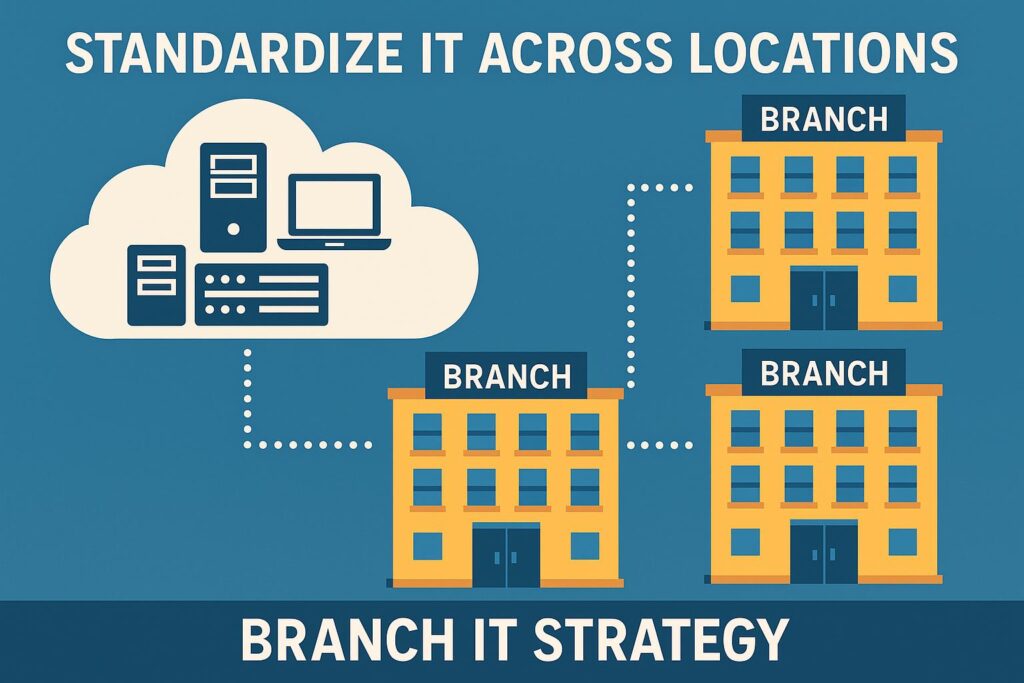
How to Standardize IT Across Multiple Locations
Expanding your business to new branches is exciting, but it introduces a familiar headache: inconsistent IT systems, scattered data, and support gaps. If you’ve ever onboarded a new location only to discover incompatible software, security blind spots, or slow troubleshooting, you know the productivity drain this causes. Standardizing IT across locations isn’t just a technical challenge—it’s a strategic move that empowers your entire organization to work smarter and scale with confidence.
Why Standardize IT Across Locations?
- Consistency: Uniform systems streamline onboarding and daily operations.
- Security: Centralized policies reduce vulnerabilities and compliance risks.
- Efficiency: Shared tools and processes boost productivity and simplify support.
- Scalability: New locations can launch faster with proven frameworks.
Framework: Building a Unified Branch IT Strategy
Here’s a practical approach to standardize IT across locations for maximum impact:
-
Assess & Audit Existing Systems
- Inventory hardware, software, and network configurations at every site.
- Identify redundancies, gaps, and unique local needs.
-
Define Core Standards
- Choose uniform platforms for productivity (e.g., Microsoft 365, Google Workspace).
- Set baseline security protocols (MFA, encryption, centralized monitoring).
- Standardize device management and backup procedures.
-
Automate with AI & Prompt Engineering
- Leverage AI-driven IT management tools for automated monitoring and response.
- Use prompt engineering to streamline ticket routing, user requests, and common workflows. Explore prompt best practices.
-
Centralize Support & Training
- Implement a unified helpdesk or chatbot for consistent support.
- Offer standardized training modules accessible to all locations.
-
Monitor, Review, and Iterate
- Set KPIs (e.g., support ticket resolution time, security incident rates).
- Regularly review for improvement opportunities as your business grows.
Quick Checklist: Standardizing Branch IT
- ☑ Centralize software licensing and updates
- ☑ Enforce company-wide security policies
- ☑ Automate repetitive IT tasks with AI
- ☑ Train staff on standardized systems
- ☑ Review standards quarterly
FAQ: Standardizing IT Across Locations
- What are the biggest risks of inconsistent IT between branches?
- Inconsistent IT leads to higher security vulnerabilities, inefficient processes, and support bottlenecks. It makes it harder to scale and meet compliance requirements. (CSO Online)
- How can AI help standardize IT across locations?
- AI can automate device monitoring, security alerts, and user support. Prompt engineering enables consistent, efficient responses to IT issues, reducing manual workload.
- What’s a good first step for standardizing IT?
- Start with a comprehensive IT audit. Map out all hardware, software, and security practices at each location to identify gaps and set a baseline.
- How do I ensure new locations follow IT standards?
- Document clear policies, automate onboarding workflows, and provide ongoing training. Centralized management tools help enforce compliance.
- Where can I learn more about building a branch IT strategy?
- Check out our Productivity & AI Tools guide or visit the Omni Legion blog for expert advice.
Take the Next Step
Standardizing IT across locations unlocks smoother growth and smarter operations. If you’re ready to bring consistency to your systems, security, and support, connect with Omni Legion. Our experts are here to help you design a scalable, future-ready branch IT strategy.