
Introduction
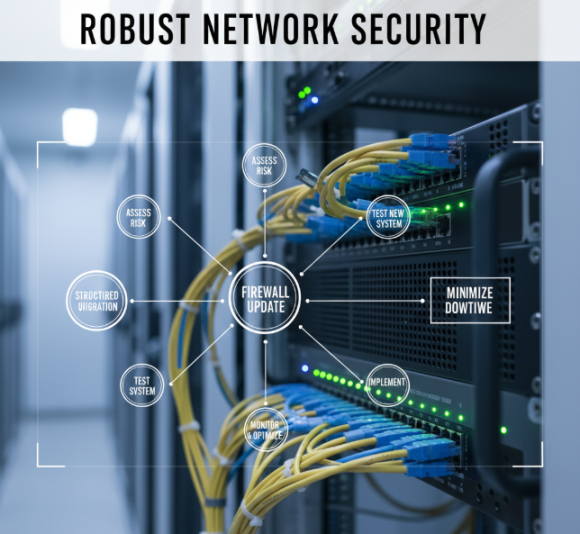
Updating your firewall is critical for maintaining robust network security. Many organizations delay upgrades due to perceived complexity or downtime concerns, leaving systems vulnerable. A structured firewall upgrade plan ensures your network remains secure while minimizing operational disruption.
Why a Firewall Upgrade Plan Matters
A well-planned firewall upgrade protects your enterprise from evolving threats and improves overall network performance. Key benefits include:
- Enhanced Security: Incorporates the latest threat intelligence and patch updates.
- Improved Performance: Optimizes traffic handling and reduces latency.
- Compliance: Meets regulatory requirements for data protection.
- Future-Proofing: Supports new applications, cloud services, and remote work setups.
Steps to Plan a Firewall Upgrade
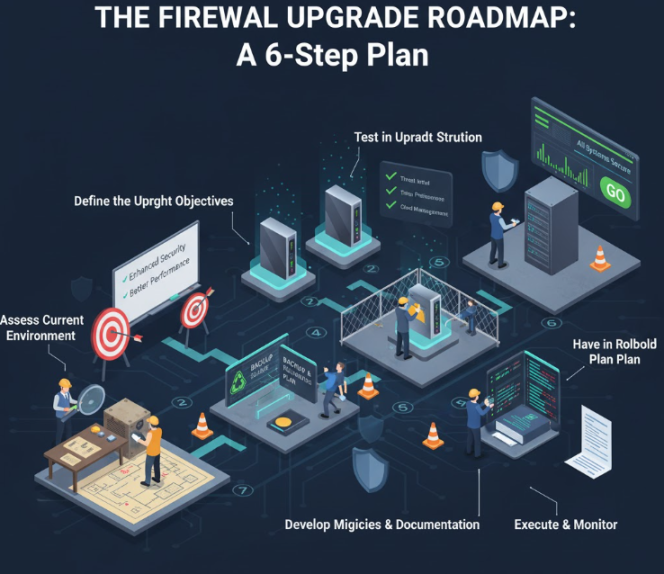
1. Assess Current Environment
- Inventory all existing firewalls, configurations, and policies.
- Identify legacy systems and unsupported hardware.
- Evaluate network architecture for potential bottlenecks.
2. Define Upgrade Objectives
- Determine security requirements based on threat landscape.
- Establish performance goals, including throughput and latency.
- Plan for integration with cloud and hybrid environments.
3. Select the Right Firewall Solution
- Compare vendors for capabilities like advanced threat detection, VPN support, and centralized management.
- Consider scalability for future growth.
- Review licensing and support options.
4. Develop a Migration Strategy
- Schedule upgrades during low-traffic periods.
- Create backup configurations and rollback plans.
- Test new firewall policies in a staging environment.
5. Update Policies and Documentation
- Review and optimize access control rules.
- Document new configurations and version changes.
- Train IT staff on monitoring and incident response procedures.
6. Execute and Monitor
- Implement the upgrade following the migration plan.
- Continuously monitor network performance and security logs.
- Adjust policies as necessary to optimize traffic flow and security posture.
FAQs
Q1: How often should firewalls be upgraded?
A: Organizations should review and plan upgrades annually or when vendor support ends.
Q2: Can a firewall upgrade be done without downtime?
A: With proper staging, testing, and phased deployment, downtime can be minimized or avoided.
Q3: What risks are associated with skipping a firewall upgrade?
A: Increased vulnerability to cyber threats, potential compliance violations, and degraded network performance.
Q4: How do I ensure compatibility with cloud services?
A: Evaluate firewall solutions for cloud integration, API support, and hybrid network configurations.
Q5: Should I replace hardware or update software?
A: This depends on hardware age, performance needs, and vendor support; often a combination is ideal.
Conclusion
Planning and executing a firewall upgrade can be complex, but partnering with OmniLegion ensures your network security update is efficient, compliant, and future-ready. Learn more about our IT engineer services and case studies to see how we help enterprises modernize infrastructure safely.