
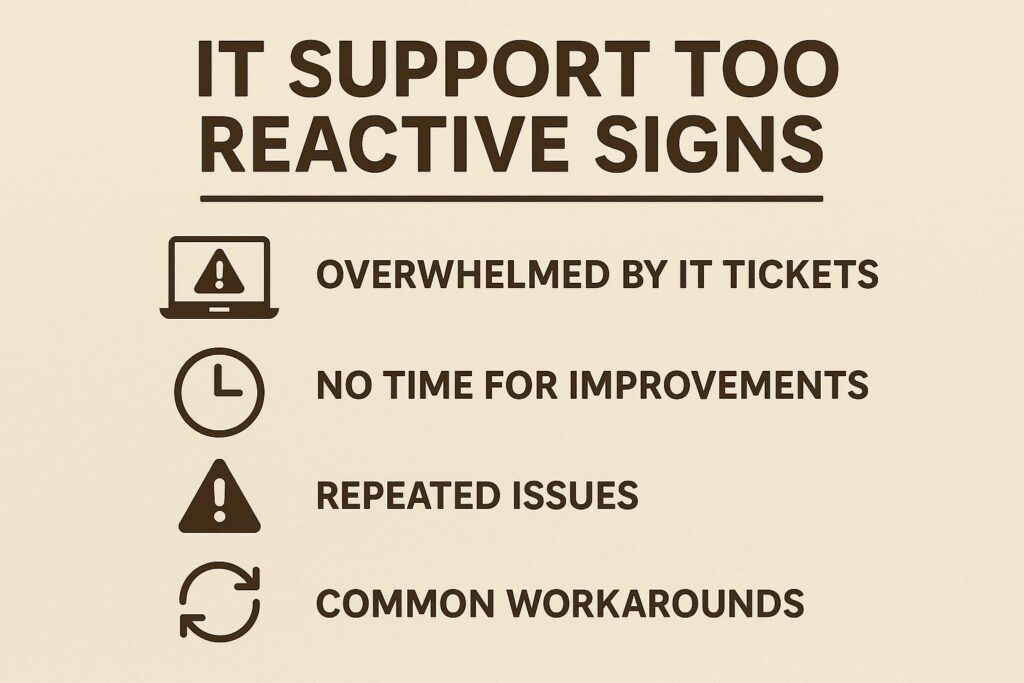
Top 5 Ways to Tell Your IT Support Model Is Too Reactive
Is your IT team always putting out fires instead of preventing them? Many small and midsize businesses struggle with an IT support model that’s too reactive. This can lead to costly downtime, security risks, and employee frustration. Recognizing the signs early can help you make smarter decisions about your technology strategy and support partners.
How to Identify If Your IT Support Is Too Reactive
If you frequently encounter disruptions or feel your technology isn’t moving your business forward, it’s time to assess your current IT approach. Here are the top five signs your IT support is too reactive—and what to do about it.
1. Constantly Responding to Emergencies
- Frequent system outages or application crashes
- Last-minute fixes and urgent helpdesk tickets are the norm
- No documented plan for recurring issues
A reactive support model focuses on problem-solving only after something breaks. This can drain resources and impact productivity. Consider switching to managed IT services that prioritize prevention and continuous monitoring.
2. Lack of Regular Maintenance and Updates
- Patches and software updates are inconsistent
- Hardware is only replaced after failure
- No routine system health checks
Preventative maintenance minimizes downtime and security risks. Proactive support includes scheduled updates and lifecycle planning, which reduces the chance of costly surprises.
3. Recurring Issues Go Unaddressed
- Same problems keep popping up without a long-term fix
- Trouble tickets are closed without root cause analysis
If your team is solving the same issues over and over, you’re not getting value from your IT investment. A quality IT partner digs into the underlying causes and implements lasting solutions. Learn more about IT consulting and advisory approaches that address recurring pain points.
4. Poor Communication and Unclear Processes
- No clear escalation path for major incidents
- Uncertainty about who to contact for different issues
- Staff are left waiting for updates or next steps
Proactive providers establish transparent communication protocols and keep your team informed, reducing confusion and increasing trust.
5. Security Gaps and Compliance Risks
- Security is an afterthought, not a priority
- No regular staff training or security assessments
- Unclear incident response plans
A reactive mindset can leave your business vulnerable. Regular security reviews, employee training, and compliance checks are essential for safeguarding data and ensuring regulatory alignment. The Cybersecurity & Infrastructure Security Agency (CISA) recommends a layered approach to security, emphasizing proactive risk management.
Action Steps: Moving to a Proactive IT Support Model
- Request a technology assessment to identify weaknesses
- Evaluate IT vendors using a clear framework (see technology advisory services)
- Implement regular maintenance schedules and documentation
- Prioritize security, compliance, and employee training
By shifting from reactive to proactive IT support, you can reduce risk, control costs, and support business growth. For more on proactive IT best practices, see this overview from CIO.com.
FAQ: IT Support Too Reactive Signs
- What does it mean if my IT support is too reactive?
- Reactive support focuses on fixing problems after they occur, rather than preventing them. This approach often leads to more downtime, higher costs, and unresolved recurring issues.
- How can I evaluate if my IT vendor is proactive?
- Look for providers that offer regular system monitoring, scheduled maintenance, clear reporting, and ongoing security assessments. Ask for case studies or references that highlight their proactive approach.
- What are the risks of a reactive IT support model?
- Increased downtime, data breaches, compliance failures, and higher long-term costs are common risks. A reactive approach can also limit your ability to scale or adapt to new technologies.
- How often should IT maintenance be performed?
- Regular maintenance should be scheduled monthly or quarterly, depending on your business needs and technology stack. Critical security updates should be applied as soon as possible.
- Can managed services help my business become more proactive?
- Yes. Managed IT services providers offer proactive monitoring, preventative maintenance, and strategic advisory to address issues before they impact your operations.
- Where can I find more information about IT strategy for SMBs?
- Visit the Omni Legion resources page for insights on IT strategy, managed services, and cybersecurity tailored for small and midsize businesses.
Not sure if your IT support is holding your business back? Contact Omni Legion for an unbiased assessment and personalized recommendations to move your technology forward.