
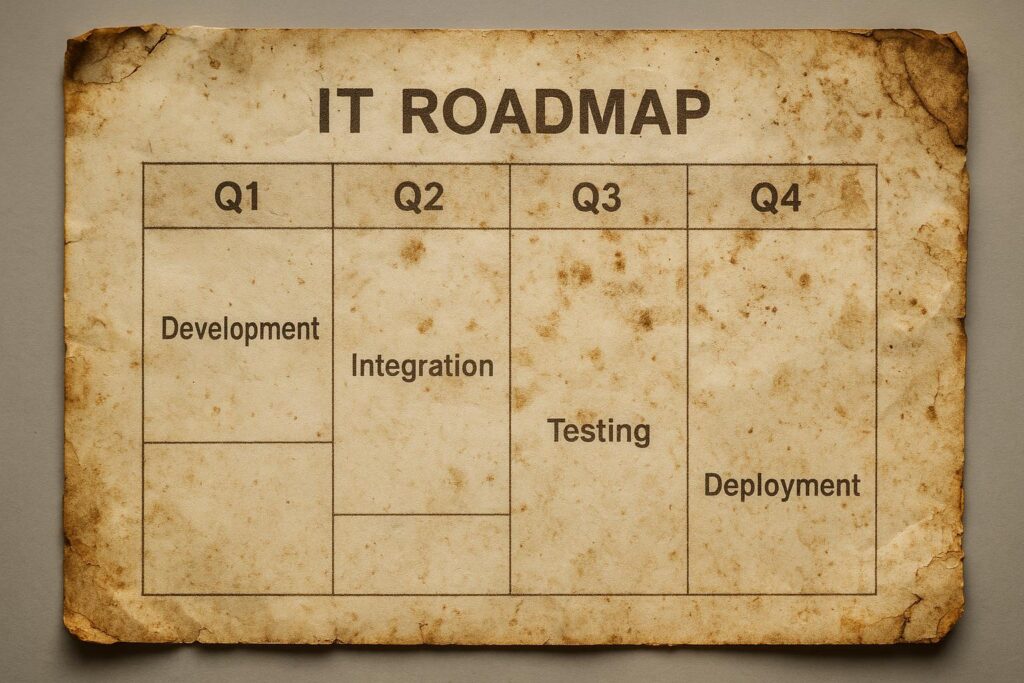
Top 6 Ways to Tell Your IT Roadmap Has Gone Stale
Is your IT roadmap helping your business move forward—or quietly holding you back? For business owners and IT leaders, a technology plan should be a living document that adapts to new challenges and opportunities. When your IT roadmap goes stale, it can expose you to unnecessary risk, wasted spending, and missed growth. Here’s how to spot the warning signs before they impact your bottom line.
1. Business Priorities Have Shifted, But Your IT Plan Hasn’t
If your company has changed direction—expanding services, entering new markets, or adjusting goals—but your IT roadmap still reflects last year’s objectives, it’s time for a refresh. A relevant technology plan directly supports current business priorities, not outdated ones.
2. Security Gaps Are Growing
Cyber threats evolve quickly. If your roadmap hasn’t integrated updated cybersecurity solutions or fails to address new compliance standards, you risk data breaches and legal exposure. Regular security reviews should be built into your managed services or advisory framework (see CISA’s guidance).
3. Legacy Systems Remain Unaddressed
Are you relying on outdated software, unsupported hardware, or manual processes? If your IT roadmap doesn’t include a plan for upgrading or retiring legacy systems, you’re likely facing performance issues, higher costs, and increased risk.
4. Cloud Adoption Has Stalled
Cloud technology continues to transform how SMBs operate. If your roadmap hasn’t evaluated recent cloud solutions or you’re still managing everything on-premises, you may be missing out on flexibility, scalability, and cost savings. Consider an expert review of your cloud strategy.
5. Your Team is Reacting, Not Planning
Are most IT resources focused on putting out fires instead of driving business value? If so, your roadmap is likely outdated. Proactive planning—guided by regular reviews and KPIs—ensures IT supports long-term objectives and reduces risk.
6. Vendor Relationships and Contracts Are Outdated
If you haven’t revisited your IT vendor contracts or service level agreements (SLAs) in over a year, you could be missing better support or cost efficiencies. Modern roadmaps include periodic vendor reviews and clear frameworks for evaluating managed services and new proposals (learn more about RFP best practices).
Quick Self-Assessment: Is Your IT Roadmap Stale?
- Have you updated your roadmap in the last 12 months?
- Does your plan reflect your current business goals?
- Are security, cloud, and vendor strategies regularly reviewed?
- Is your IT team proactive, or mostly reactive?
If you answered “no” to any of these, it’s time for a review.
FAQ: Keeping Your IT Roadmap Current
- How often should an IT roadmap be updated?
- At least annually, but ideally after any major business or technology shift. Regular reviews keep your plan aligned with real-world needs.
- What’s the risk of a stale IT roadmap?
- Stale roadmaps increase risk of cyber incidents, compliance failures, overspending, and missed business opportunities.
- How do I evaluate if my IT vendors are still a good fit?
- Review contracts and SLAs yearly. Benchmark vendor performance, costs, and alignment with your evolving business needs.
- What’s the role of managed services in roadmap updates?
- Managed services can provide proactive monitoring, maintenance, and strategic advice—ensuring your IT roadmap stays relevant and secure.
- How do I start a technology plan review?
- Gather input from business, operations, and IT stakeholders. Assess current state, identify gaps, and align updates with business strategy.
Ready for a Roadmap Refresh?
Don’t let a stale IT roadmap put your business at risk. Contact the experts at Omni Legion for an unbiased technology roadmap review and actionable recommendations tailored to your goals.