
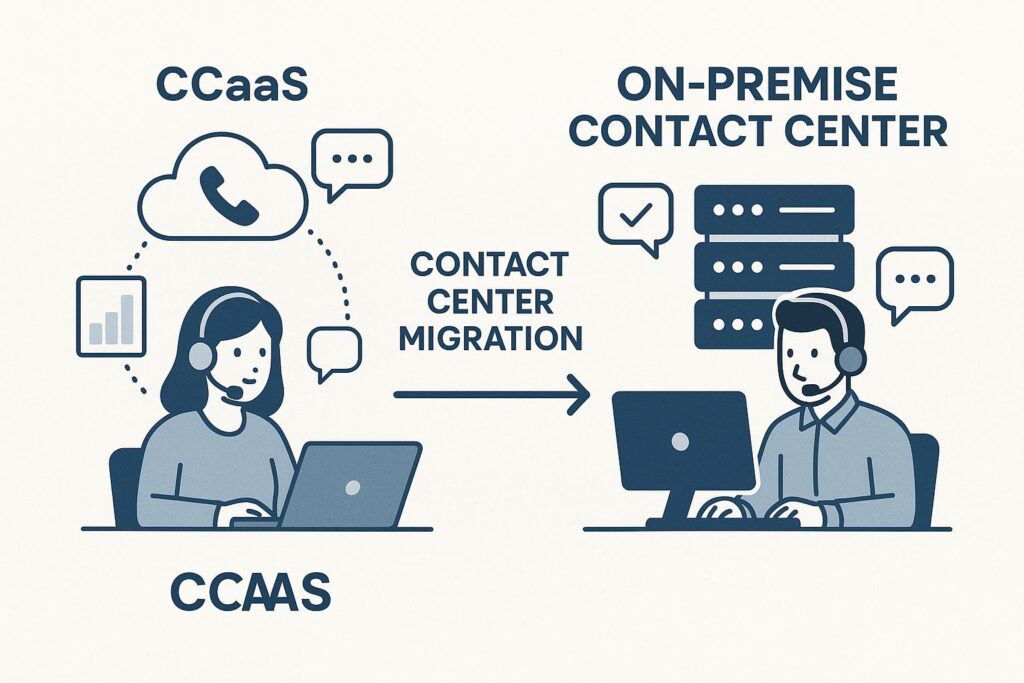
CCaaS vs On-Premise Contact Center: Which Is Right for You?
If you’re tasked with modernizing your contact center, you know the pressure is on: deliver better customer experiences, boost productivity, and be ready for the AI-powered future. But should you migrate to a CCaaS (Contact Center as a Service) solution or stick with an on-premise contact center model? Let’s break down the decision so you can confidently choose what fits your business best.
Understanding the Basics: CCaaS vs On-Premise Contact Center
| Feature | CCaaS (Cloud) | On-Premise |
|---|---|---|
| Deployment | Cloud-based, remote access | On-site hardware/software |
| Scalability | Easy, on-demand | Requires new infrastructure |
| Cost Structure | Subscription (OPEX) | Upfront investment (CAPEX) |
| Maintenance | Vendor managed | In-house IT required |
| AI & Integrations | Frequent updates, easy AI adoption | Custom projects needed |
Framework: How to Decide Between CCaaS and On-Premise
Use this quick framework to guide your contact center migration decision:
- Assess Flexibility Needs: Do you need to scale up/down quickly or support remote agents? CCaaS is often best for dynamic teams.
- Evaluate Long-Term Costs: On-premise may appear cheaper over many years, but consider the hidden costs of maintenance, upgrades, and downtime.
- Consider AI Roadmap: If you want to use AI for productivity—like smart routing or automated prompts—CCaaS vendors frequently roll out new features without heavy lifting from your team.
- Regulatory & Data Control: Highly regulated industries or those needing strict data residency may lean toward on-premise, though secure CCaaS options are growing.
AI, Productivity, and Prompt Engineering: Strategic Tips
- Prompt Engineering for Agents: CCaaS platforms often include AI-powered prompts and knowledge bases to help agents respond faster and more accurately.
- Automated Workflows: With cloud solutions, it’s easier to experiment with new automations—like AI-driven call routing—without waiting on IT resources.
- Continuous Improvement: Use analytics from your CCaaS dashboard to iterate on prompts and workflows in real time, keeping your team agile and productive.
For a deeper dive into optimizing your contact center with AI, see our AI Prompt Engineering Examples article.
FAQ: CCaaS vs On-Premise Contact Center
What is the main difference between CCaaS and on-premise contact centers?
CCaaS is cloud-based and managed by a vendor, while on-premise solutions require hardware and software to be managed at your business location.
Is CCaaS more secure than on-premise?
Both can be secure, but CCaaS vendors invest heavily in security and compliance. However, some industries may require on-premise for maximum control. Learn more in our AI Security Best Practices post.
How quickly can we migrate to a CCaaS solution?
Migrations can take weeks to months, depending on complexity. Many businesses see faster rollouts compared to on-premise deployments. Read this Gartner overview for more details.
Does CCaaS support omnichannel communication?
Yes, most CCaaS platforms support voice, chat, email, and social channels in a single interface for unified customer experiences.
What are the ongoing costs for each model?
CCaaS has predictable subscription fees. On-premise has upfront costs but ongoing expenses for maintenance, upgrades, and staffing.
Explore Your Options with Omni Legion
Choosing between CCaaS and on-premise isn’t just a technical decision—it’s about aligning your contact center with your business’s growth and AI ambitions. If you’re considering a move or want to boost productivity with smarter prompt engineering, connect with Omni Legion for expert guidance. We’re here to help you make every customer interaction count.